How It Works
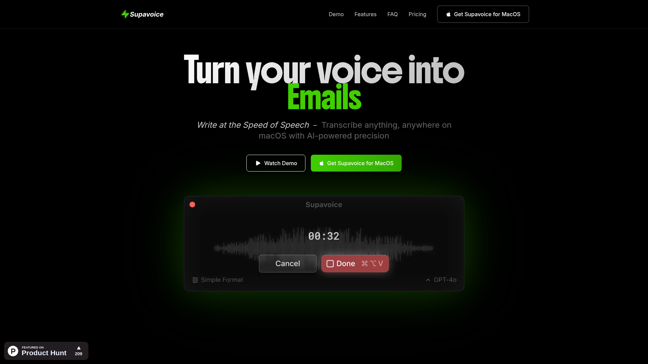
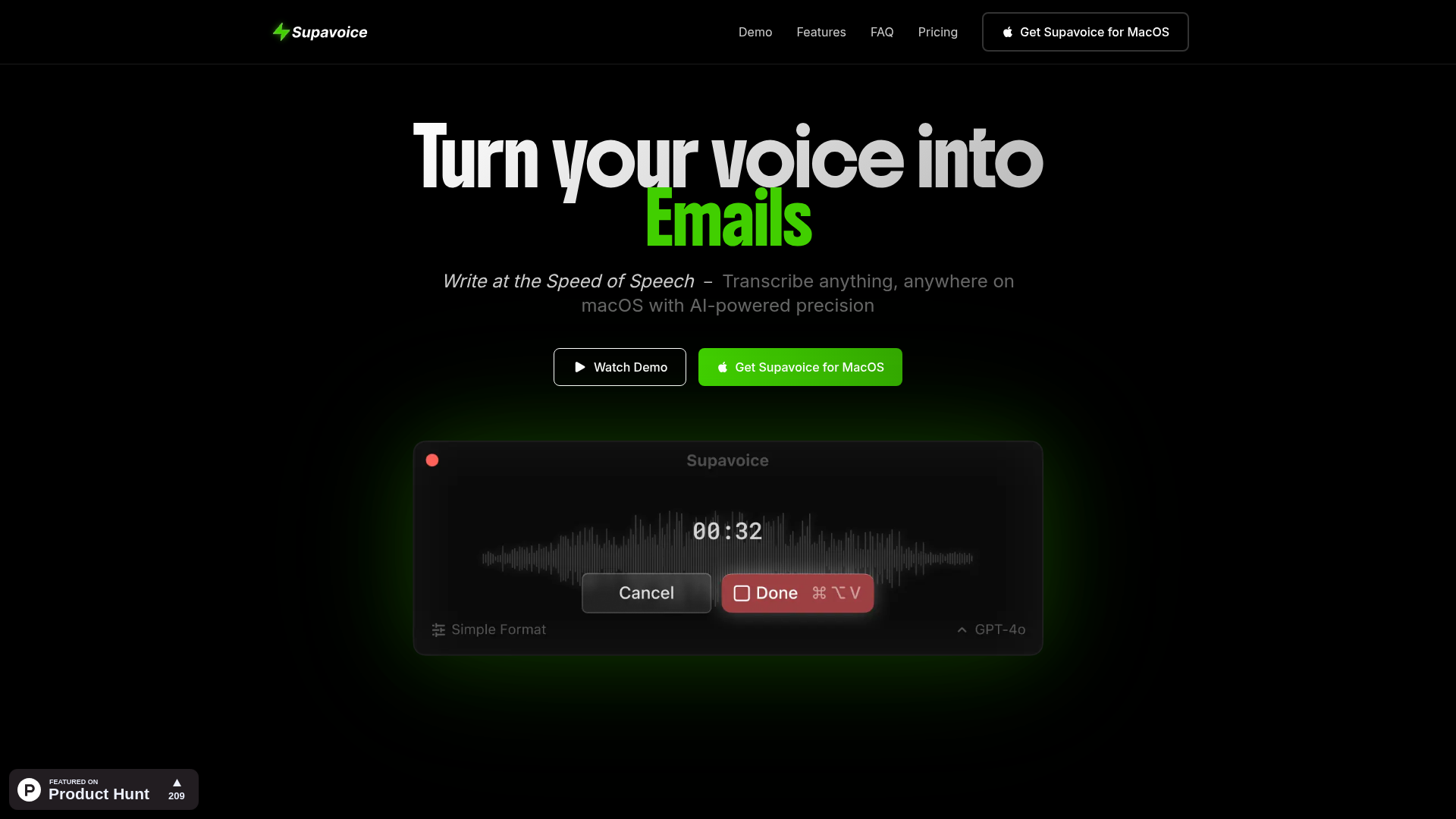
"Imagine typing at the speed of thought—without actually typing. That's the magic Supavoice brings to macOS users, transforming spoken words into polished text with AI precision."
What is Supavoice? The macOS Voice-to-Text Revolution
The Future of Hands-Free Writing is Here
In an era where productivity tools are evolving faster than ever, Supavoice stands out as a game-changer for macOS users. This isn't just another dictation app—it's a sophisticated voice-to-text solution powered by OpenAI's cutting-edge O3 models, designed specifically for professionals who demand accuracy, flexibility, and privacy.
Why Supavoice is Different
While traditional dictation software often feels clunky and limited, Supavoice offers:
- Context-aware transcription modes (Email, Notes, Messages)
- Custom vocabulary training for technical terms and names
- Lightweight macOS integration (works in any app)
- Privacy-first approach (your API key, your data)
```mermaid graph TD A[Speak into Mic] --> B[Supavoice Processes] B --> C[OpenAI O3 Models] C --> D[Formatted Text Output] D --> E[Any macOS App] ```
How Supavoice Actually Works
The technical magic happens through a seamless three-step process:
- Voice Capture: The app listens through your microphone with minimal system resources
- AI Processing: Your audio gets sent to OpenAI's servers using your personal API key
- Smart Formatting: Returns perfectly formatted text based on your selected mode
The Transcription Modes That Make Life Easier
- ✉️ Email Mode: Turns rambling thoughts into professional correspondence
- 📝 Note Mode: Captures meeting minutes or brainstorming sessions
- 💬 Message Mode: Perfect for Slack or iMessage conversations
- 🛠️ Custom Modes: Create your own templates for repetitive tasks
Why Professionals Are Switching
Compared to alternatives like Dragon Dictate (which struggles on Apple silicon) or built-in macOS dictation, Supavoice offers:
- ✅ Better accuracy (thanks to OpenAI's models)
- ✅ More formatting options
- ✅ True app integration (no switching windows)
- ✅ Cost-effective (pay per use via your API key)
"The ability to dictate directly into any app while maintaining formatting context is a workflow revolution," notes one power user.
Privacy You Can Trust
In a world where data privacy concerns grow daily, Supavoice's architecture is refreshing:
- Your audio never touches their servers
- OpenAI states they don't use API data for training
- No hidden data collection or storage
- You control spending via your own API key
Getting Started is Simple
- Purchase the one-time $10 license
- Set up your OpenAI API key
- Choose your transcription mode
- Start speaking anywhere on your Mac
```mermaid pie title Why Users Choose Supavoice "Accuracy" : 35 "Formatting Options" : 25 "Privacy" : 20 "Cost" : 15 "Ease of Use" : 5 ```
The Verdict: Is Supavoice Right For You?
If you:
- Spend hours typing emails or documents
- Need accurate technical term recognition
- Value privacy in your tools
- Want to boost productivity without subscriptions
...then Supavoice might just become your new secret weapon. At just $10 for lifetime access (plus minimal OpenAI API costs), it's one of the most cost-effective productivity upgrades available for macOS today.
Ready to write at the speed of speech? Get Supavoice now and experience the future of voice-to-text technology.
Features
- Transcription Modes: Simple, Email, Note, and Message modes for versatile use.
- Custom Vocabulary: Add specialized terms and names for better accuracy.
- Voice Models: Powered by OpenAI O3 and O3 mini models for industry-leading precision.
- Lightweight & Universal: Works with any macOS application without switching apps.
- Flexible API & Privacy: Use your own OpenAI API key for total control and zero data collection.




Comments